
WhatsApp Scheduling for Android
A Cleaner Way to Schedule WhatsApp Messages
PlannedPing helps you schedule WhatsApp and WhatsApp Business messages on Android — with a focused, modern workflow for one-time and recurring sends.
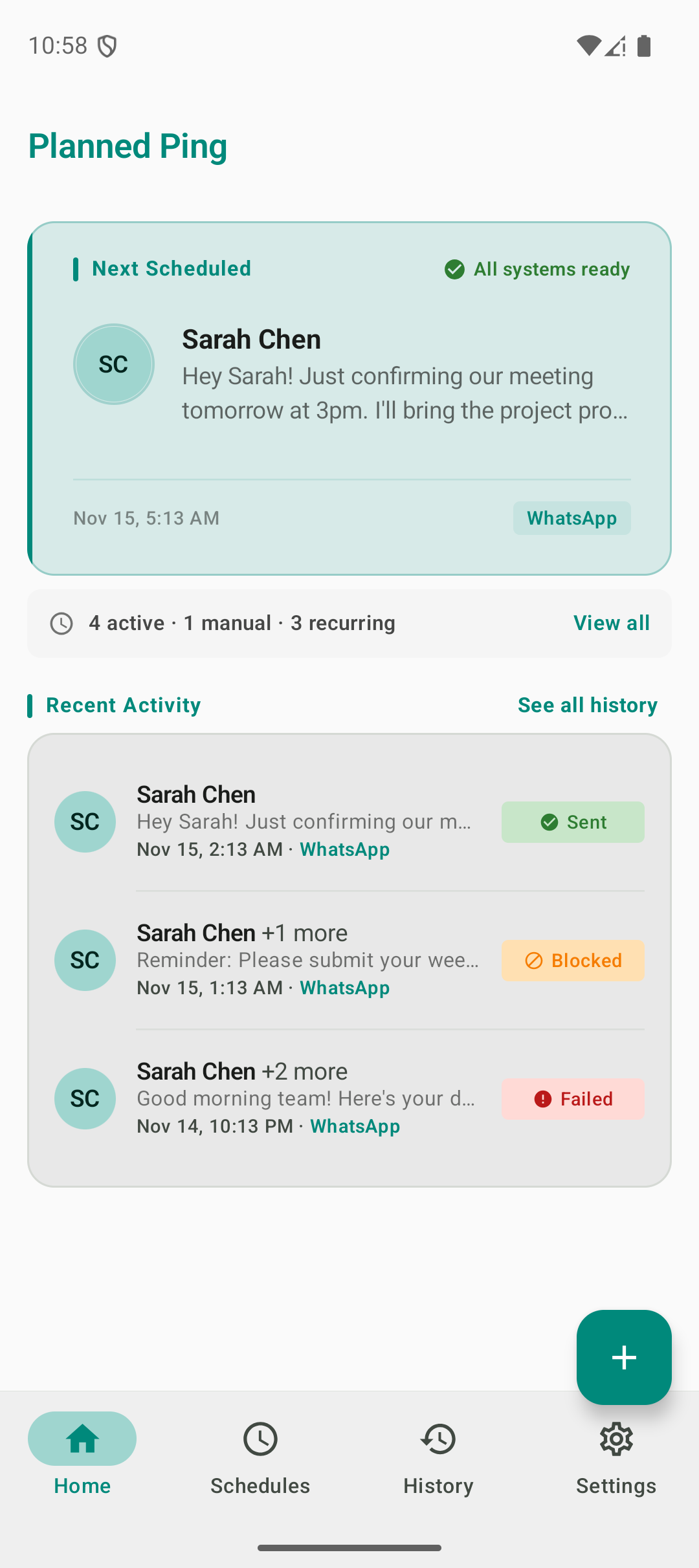
See It in Action
Designed for Simplicity
A clean, intuitive interface that makes scheduling WhatsApp messages a breeze.
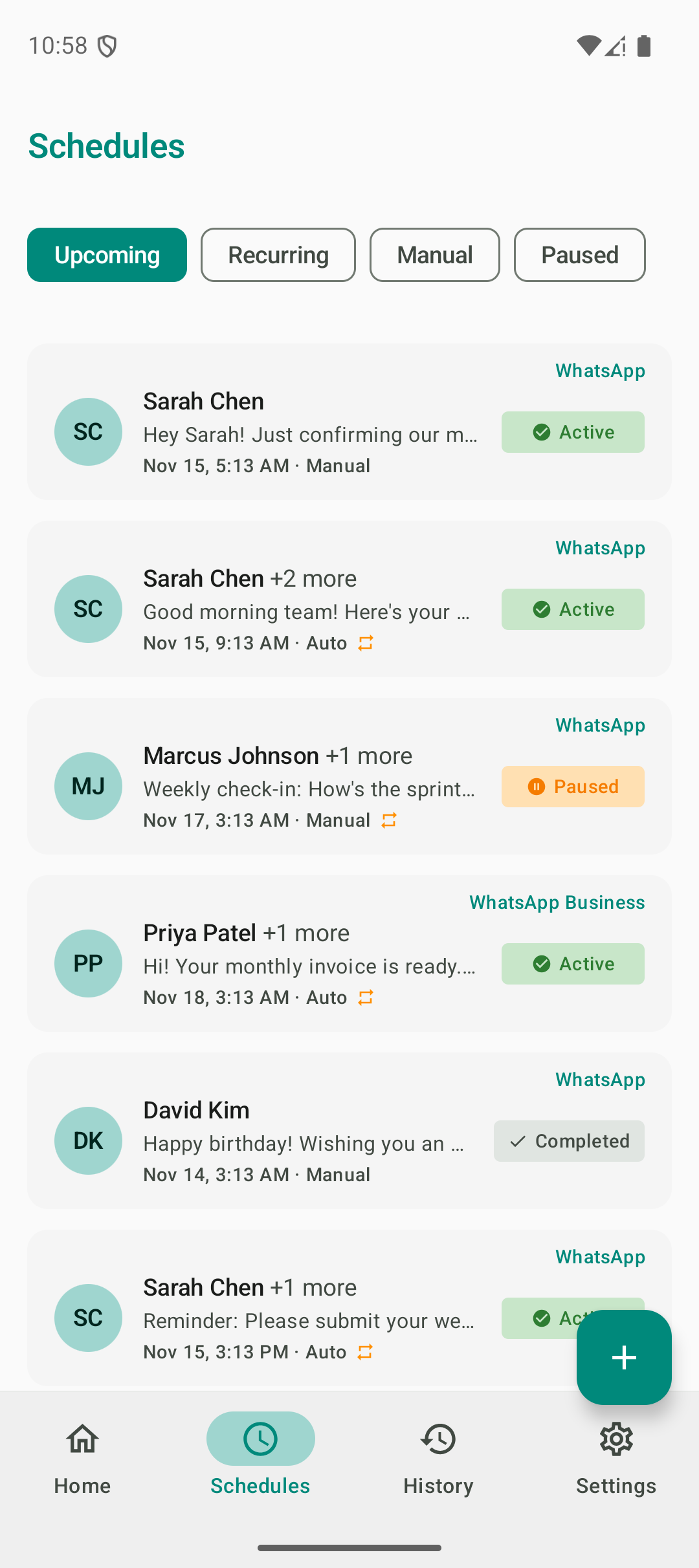
Manage Schedules
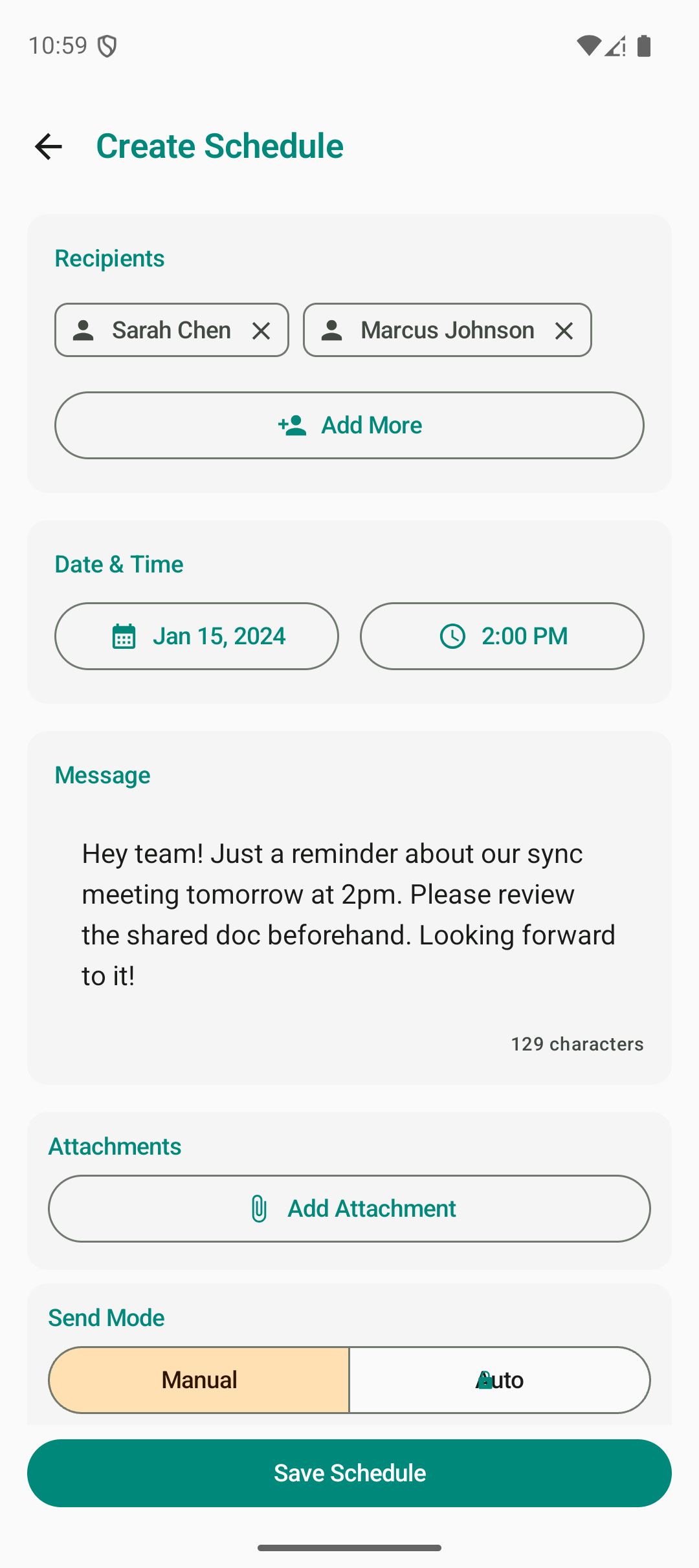
Schedule a Message
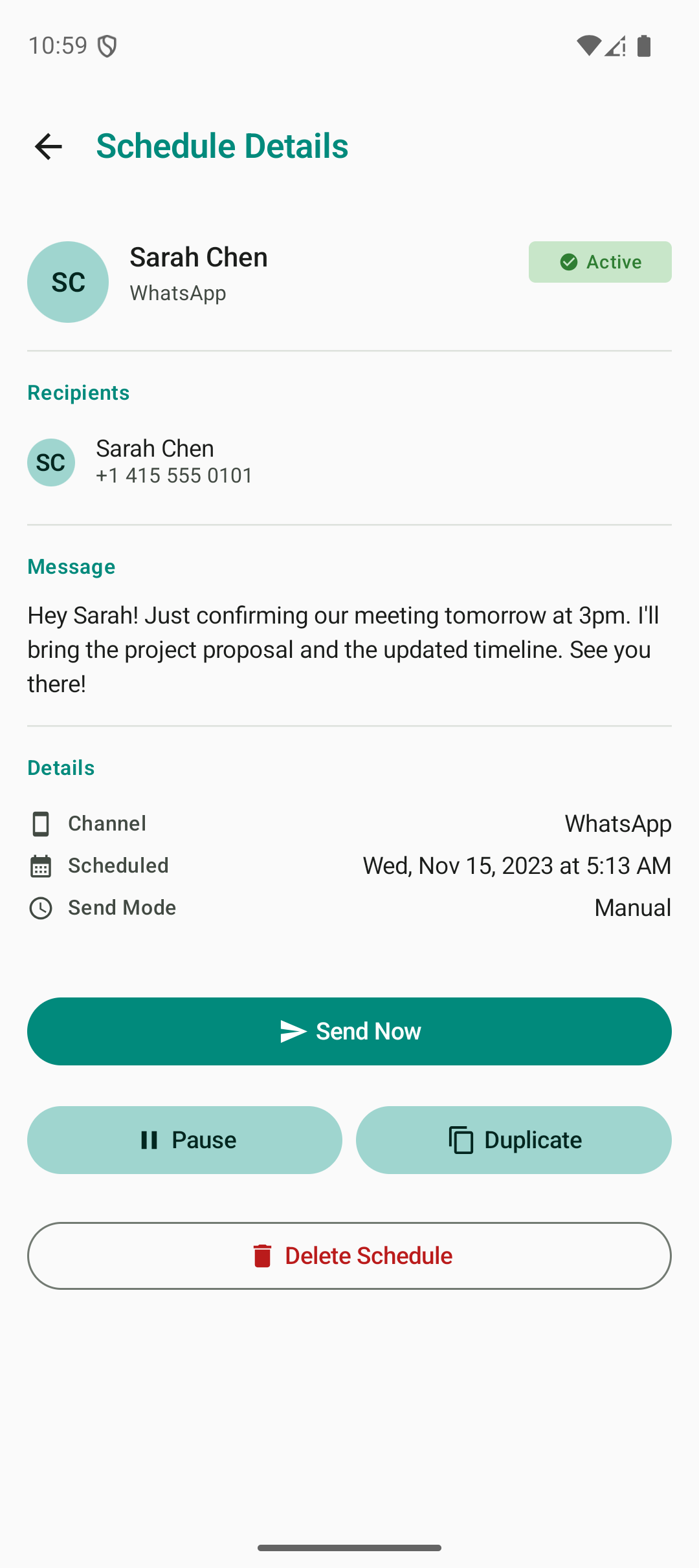
Track Delivery
Core Features
Built for How You Actually Message
Everything you need to schedule WhatsApp messages on Android — and nothing you don't.
Schedule WhatsApp Messages
Pick the exact date and time for your messages. PlannedPing queues them up and delivers at the right moment.
WhatsApp Business Support
Schedule messages through WhatsApp Business for professional communication.
Set Recurring Sends
Create daily, weekly, or monthly schedules so important messages don't rely on memory alone.
Run Drip Campaigns
Send a sequence of messages to a saved list over time — welcome series, reminders, winbacks — delivered automatically.
Choose Manual or Auto-Send
Auto-send delivers hands-free. Manual mode lets you review and confirm each message before it goes out.
Add Image and Video Attachments
Go beyond text — attach images, documents, and media to your scheduled messages.
Save Recipient Lists
Create lists of frequently contacted people or groups for faster scheduling.
How It Works
Three Steps to Scheduled Messaging
PlannedPing keeps the workflow simple so you can focus on what matters — your messages.
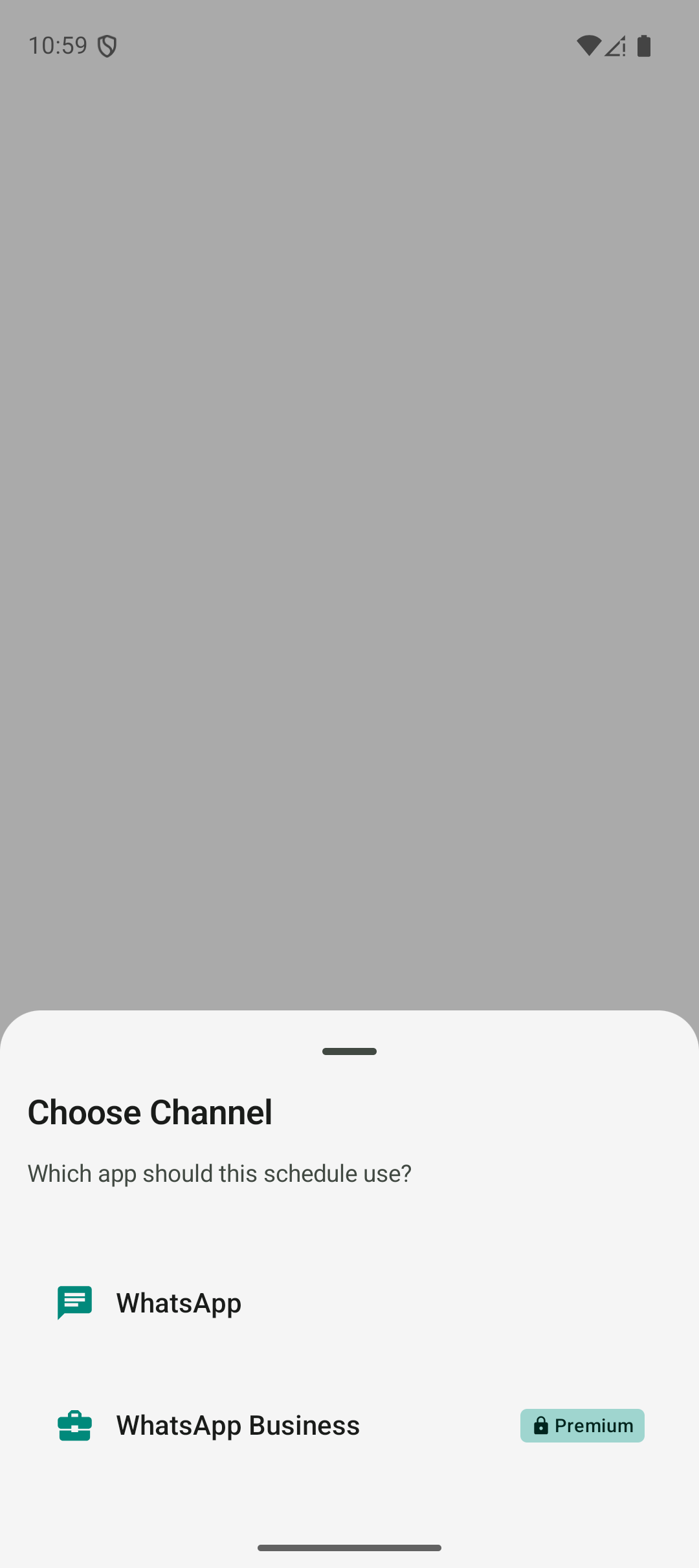
Choose WhatsApp or WhatsApp Business
Select which app you want to send through. PlannedPing supports both WhatsApp and WhatsApp Business on Android.
Set your message, recipients, and timing
Compose your message, pick who it goes to, and choose exactly when it should be sent — one-time or recurring.
Let PlannedPing handle the rest
PlannedPing reminds you or sends automatically at the right time, depending on your preference and plan.
Why PlannedPing
Built for Clarity and Reliability
PlannedPing is a focused scheduling tool — not a bloated platform. It's designed to do one thing well and earn your trust while doing it.
Focused on WhatsApp Scheduling
PlannedPing does one thing and does it well — scheduling WhatsApp messages. No bloat, no unnecessary features, no distractions.
No Mandatory Login
Get started without creating an account. PlannedPing works right out of the box with no sign-up friction.
Local-First by Design
Your messages and data stay on your device. No cloud accounts, no third-party data storage — your conversations remain private.
Clear Setup Guidance
Reliable scheduled sending on Android requires certain device permissions and settings. PlannedPing guides you through the setup so everything works as expected.
Common Questions
Got Questions?
Here are a few things people commonly ask about PlannedPing.
Schedule WhatsApp Messages with More Confidence
Get PlannedPing for Android and start scheduling WhatsApp messages today. Free to get started.